Procedure #
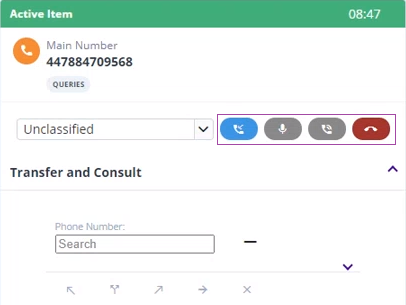
In the Active Item dialog:
- To arrange a callback, click:

- To mute a call, click:

- To put a call on hold, click:

- To end a call, click:

Related tasks
Scheduling a callback for the current call

In the Active Item dialog:
Related tasks
Scheduling a callback for the current call