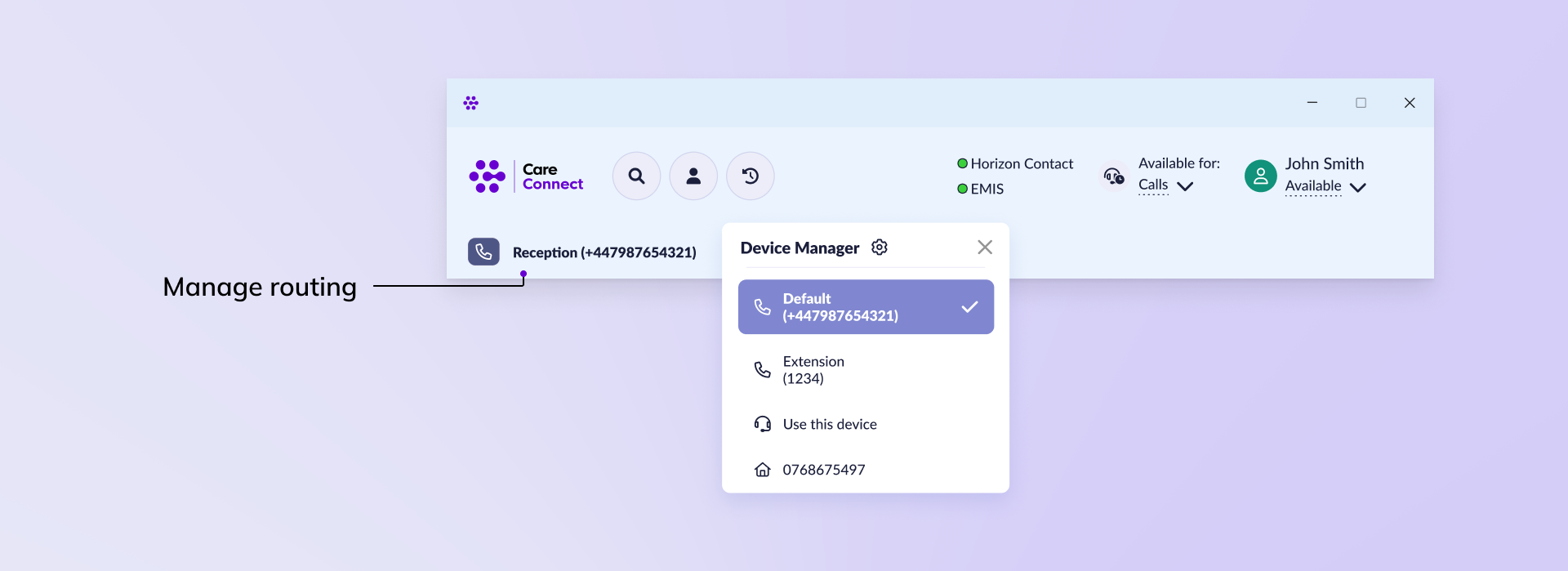
Within CareConnect you can manage your availability, status and contact method without having to navigate back to the agent portal. Any updates will automatically be reflected in your agent portal.
Manage availability #
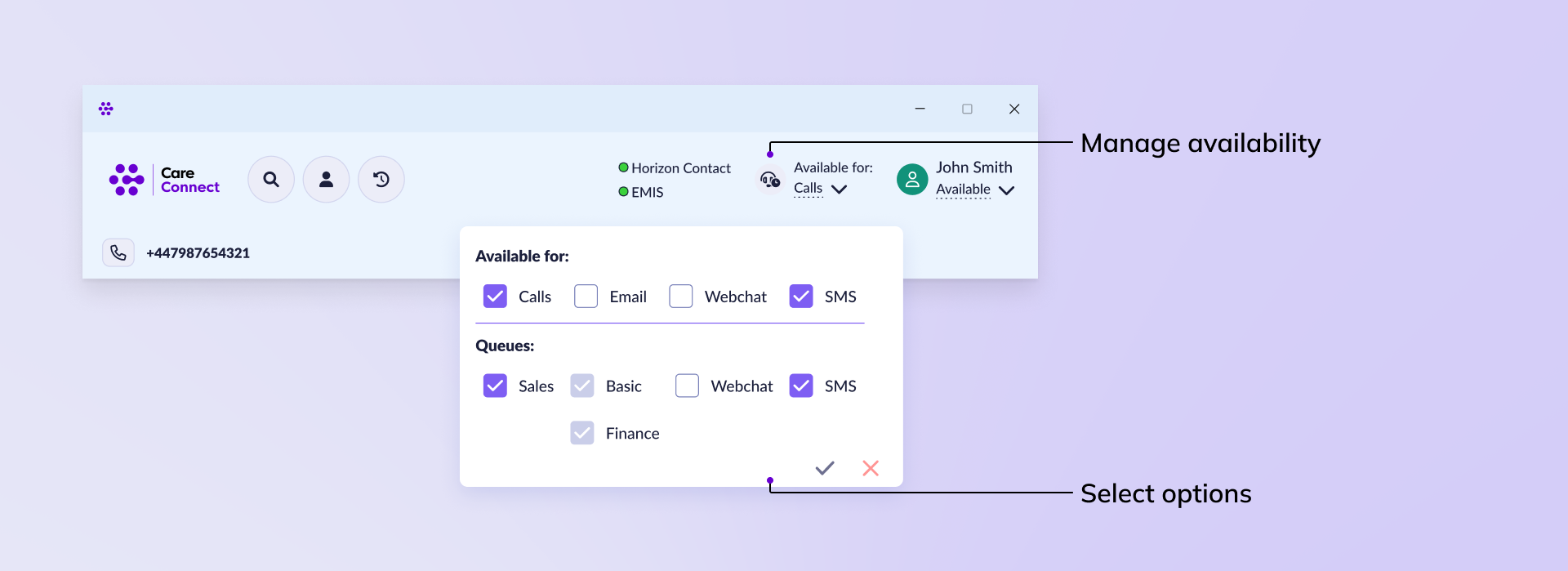
If you are part of multiple queues or have multiple methods of communication enabled you can manage your availability for each within CareConnect. You will only be able to manage the availability if your supervisor has enabled the permissions to make these changes yourself.
To manage your availability click the dropdown below Available for and use the checkboxes to select what you want to receive communication from.
Manage status #
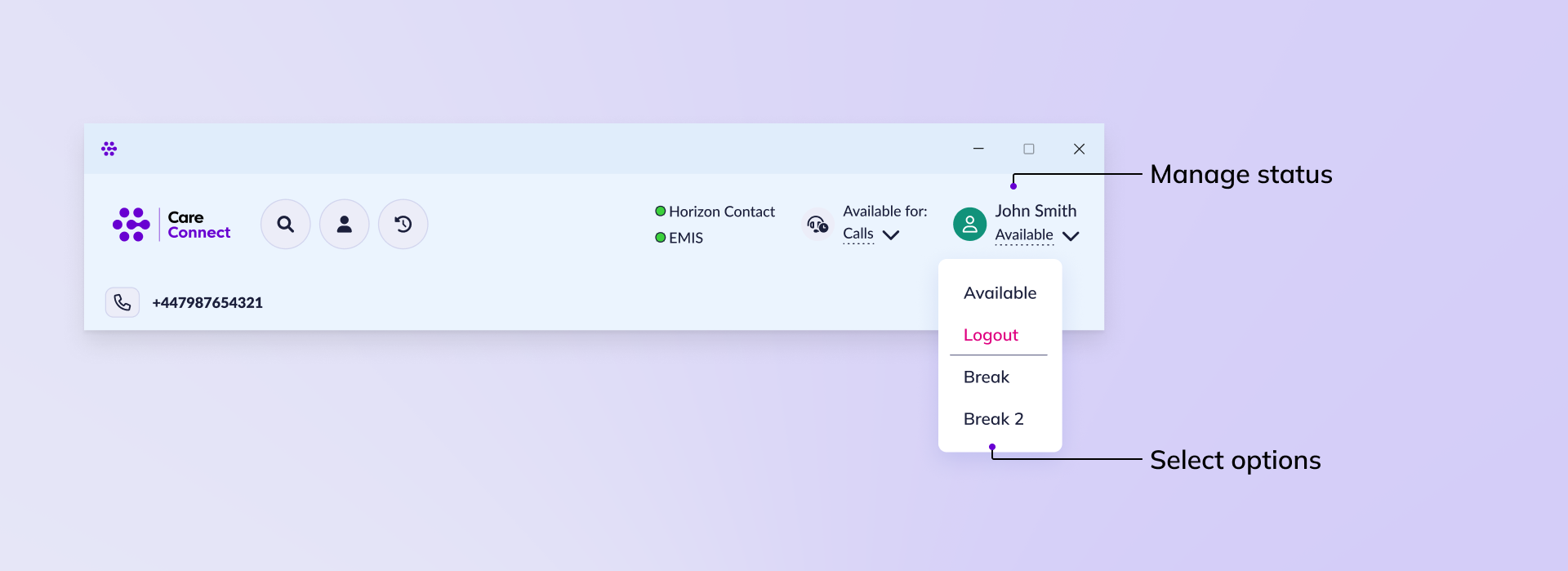
Your status will automatically update when you’re on calls and completing wrap up activities. You can also manage your own status if you need to take a break by clicking the status below your name and selecting another option.
Manage routing method #
You can manage also the number or device that calls are routed through.